 Download Nori ↗
MAPLE AI & MAPLE APP ALTERNATIVE
A smarter alternative to Maple
for your family
Move from the Maple app, Maple AI, Maple Calendar, or Maple Planner to Nori—a voice-first family organizer for calendars, tasks, meals, and routines that keeps every Maple family organized.

/ Grocery List
& PDFs ➡ Sorted
events, tasks, & meals
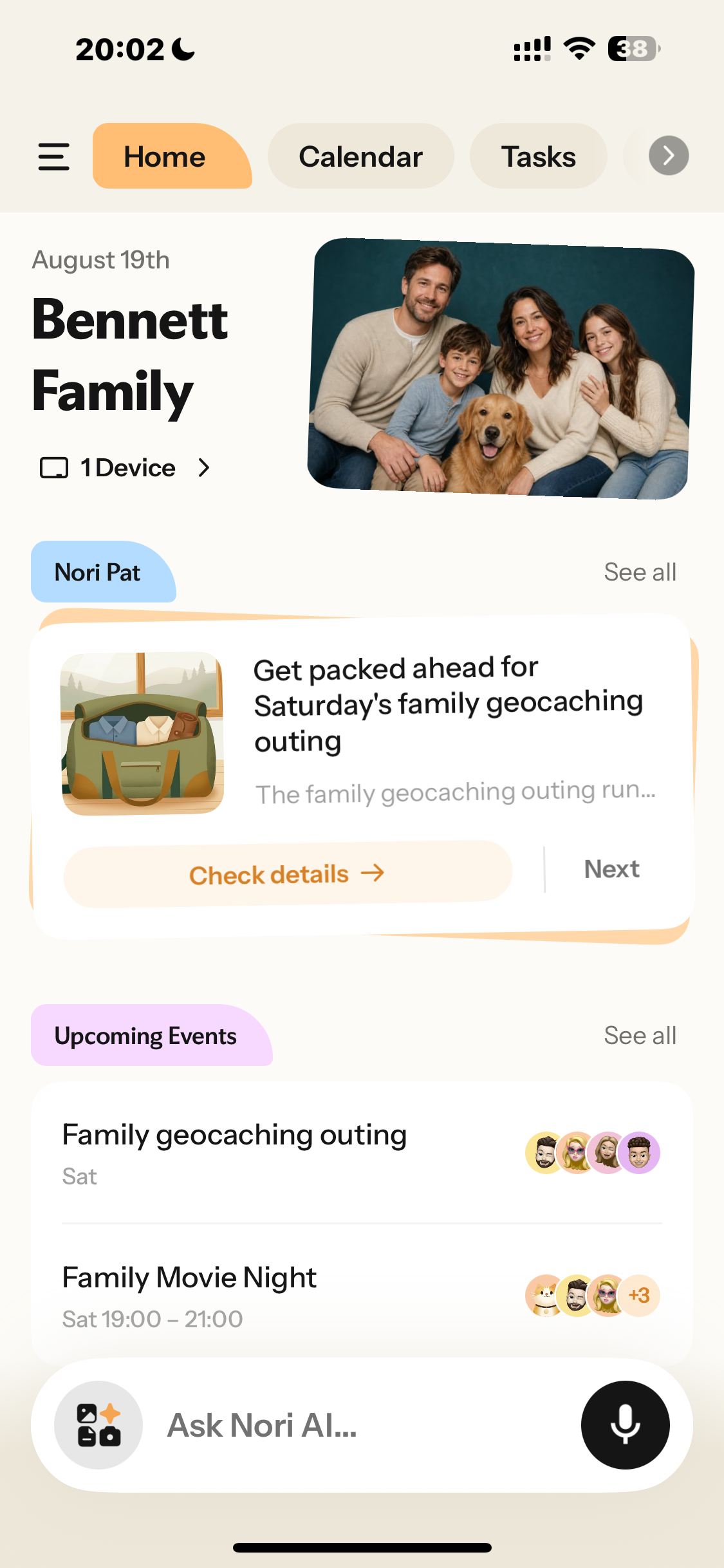

Compare the Maple family app
with Nori.
Keep the core Maple family organizer tools your household already uses—then add voice input, two-way calendar sync, family memory, and connected hardware.
| Features |  |  |
|---|---|---|
| Nori advantages | ||
| Voice input | × | ✓ |
| Family memory | × | ✓ |
| Fully synced Family Hub | × | ✓ |
| Ad-free | × | ✓ |
| Two-way calendar sync | × | ✓ |
| Core family tools | ||
| Shared family calendar | ✓ | ✓ |
| Turn emails into plans | ✓ | ✓ |
| Tasks, chores & routines | ✓ | ✓ |
| Meal planning & recipes | ✓ | ✓ |
| Shared shopping lists | ✓ | ✓ |
Compare the Maple family calendar, Maple calendar app, and Maple family planner features your household knows. Nori keeps those foundations and extends the Maple family assistant experience with voice input, family memory, and a connected display.
Selected migration-relevant features only.
BEYOND THE COMPARISONKeep the essentials.
Keep the essentials.
Let Nori do more.
After comparing the everyday tools, the difference is how much work Nori takes off your plate. For families exploring Maple alternatives or apps like Maple, Nori keeps calendars, tasks, meals, routines, and shared lists together, then adds voice input, two-way calendar sync, family memory, and a connected Family Hub. It preserves the familiar structure of a Maple family app while giving every household a more flexible Maple family assistant for daily coordination.
Everything your Maple family organizerhandled—plus voice-first AI.
One place for Maple family management, calendars, meals, chores, rewards, and everyday household planning. Nori combines the roles of a Maple organizer, Maple home management tool, and Maple household app in one family workspace. It also works as a complete Maple family management app across mobile, web, and the Nori Family Hub.
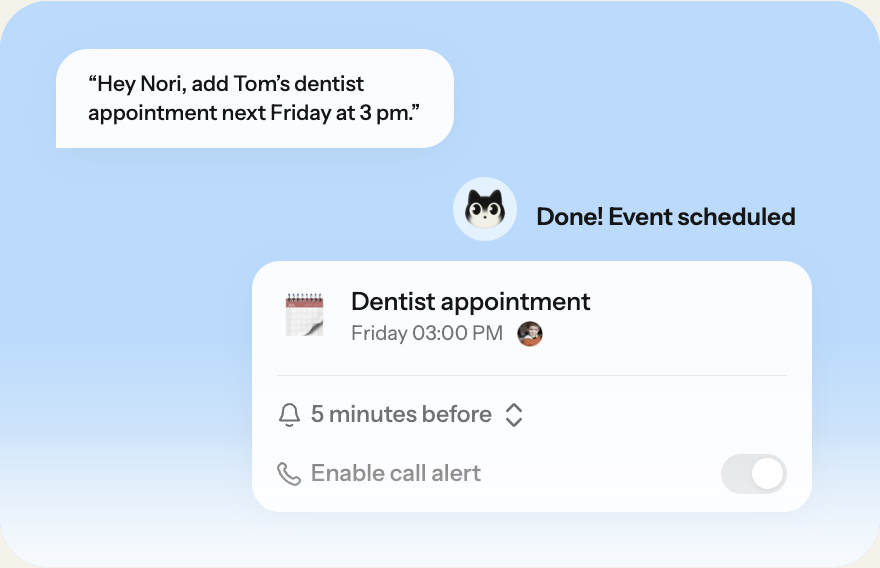
Nori AI Voice Assistant
Just say it. Nori handles the rest.
A faster alternative to the Maple AI and Maple app experience.
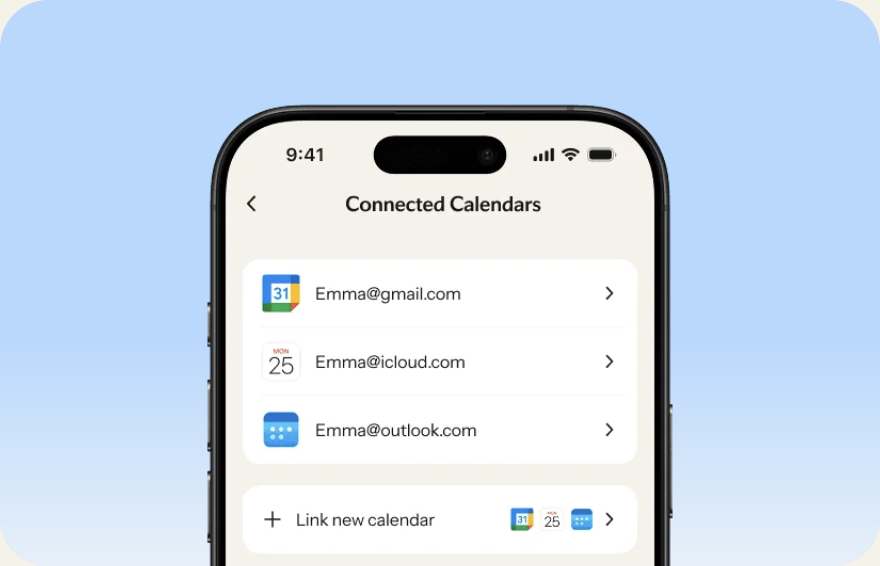
Shared Calendar
Every family calendar, together.
Bring your Maple calendar and family schedules together with two-way sync.
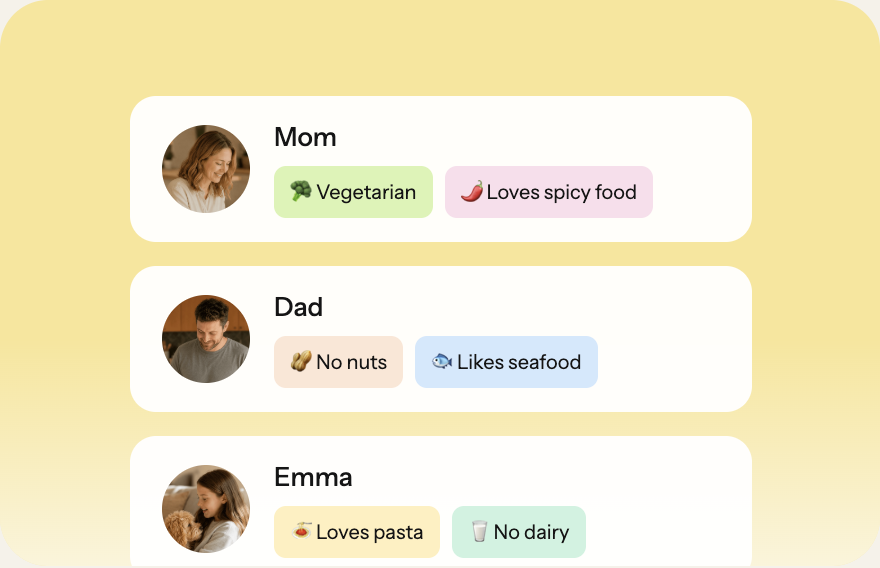
Smart Meal Plan
Meals planned around everyone.
Move beyond the Maple meal planner with AI-assisted weekly planning.
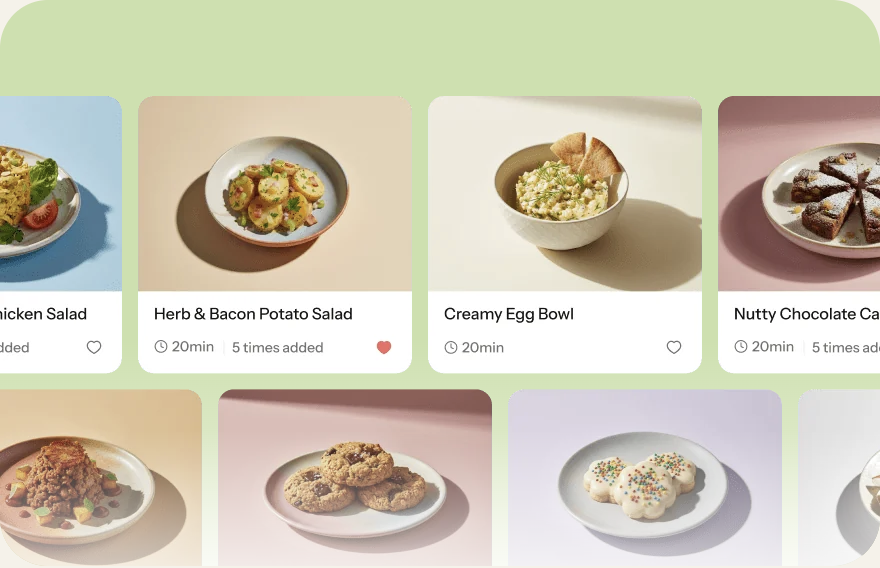
Recipes
Every family favorite, in one place.
Keep recipes and weekly plans together in a more flexible Maple planner.
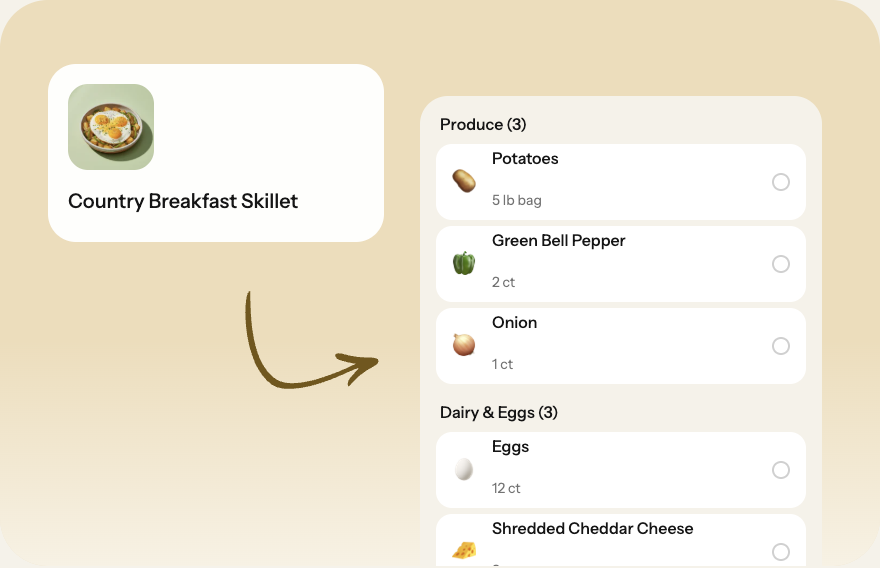
Shopping Lists
From meal plan to cart—automatically.
Make the Maple calendar app experience more useful with connected meal plans and shopping lists.
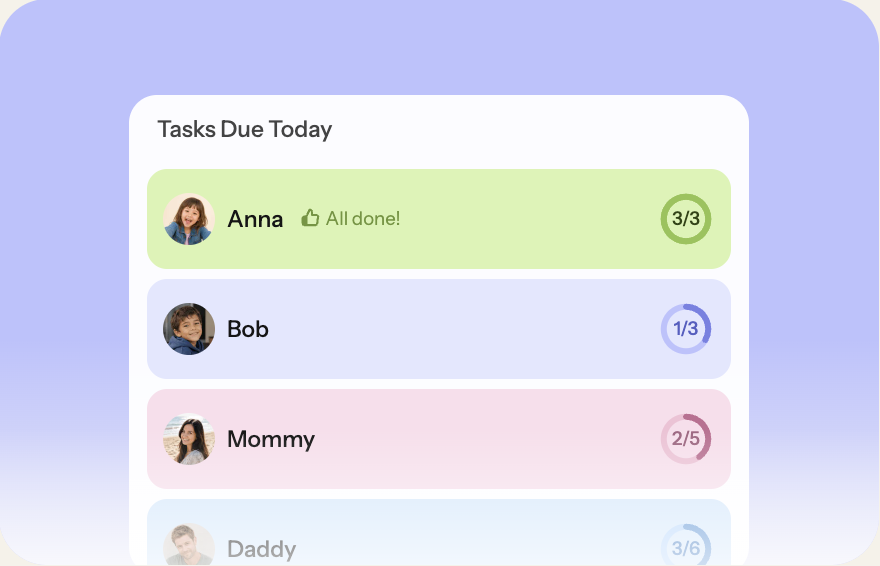
Chores & Routines
Build independence, one routine at a time.
Keep Maple parenting routines, chores, and responsibilities organized.
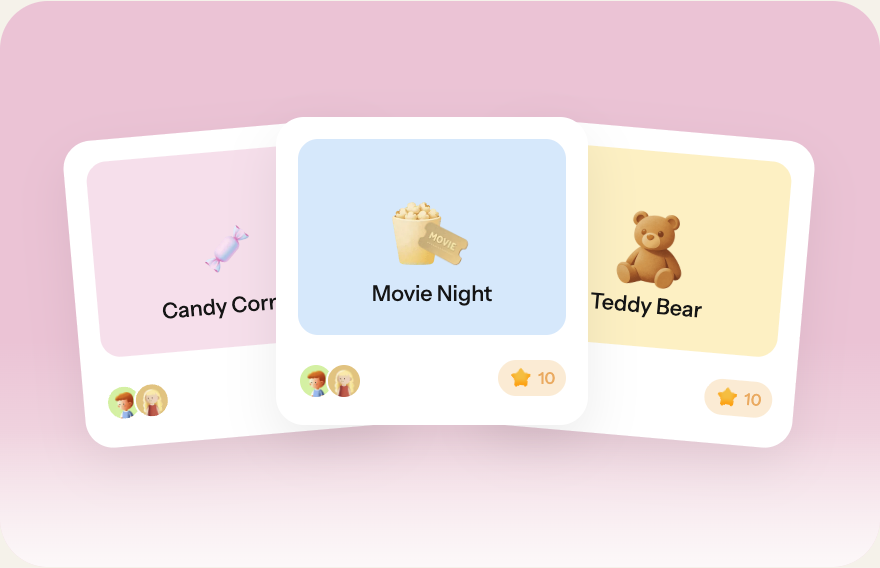
Stars & Rewards
Make good habits irresistible.
Turn everyday Maple parenting app use cases into motivating family routines.
Move from the Maple app to Nori
in two simple steps.
Create your family, then reconnect the calendars you used with Maple.
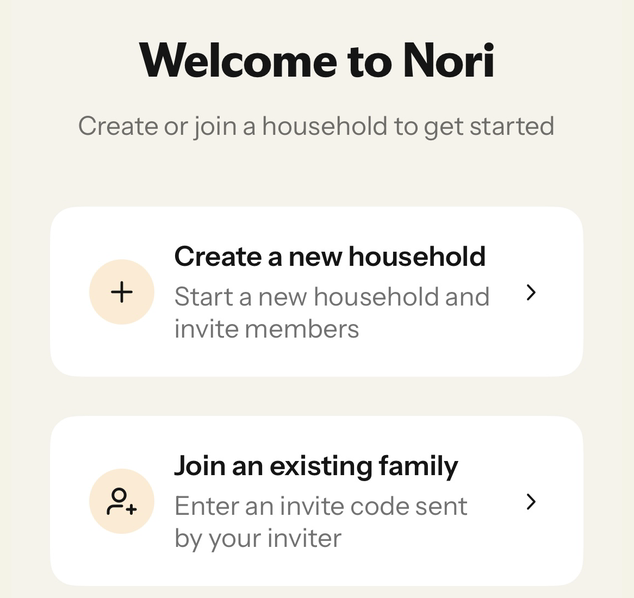
Download Nori & create your account.
Then start a new household or join your family.
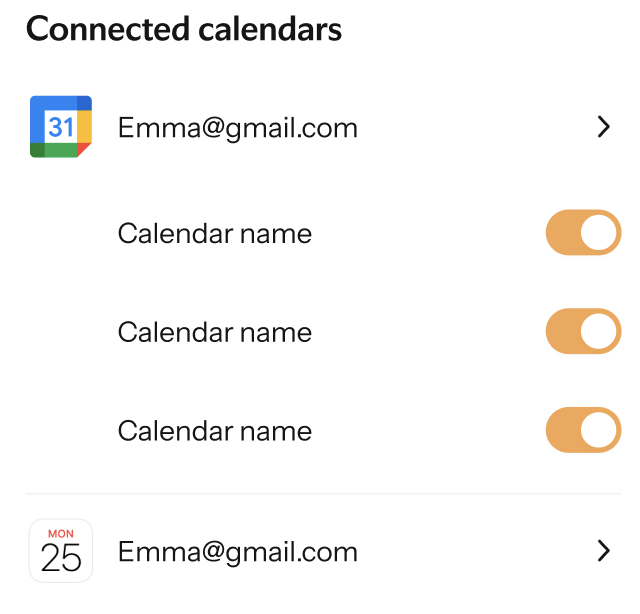
Connect your calendars.
Link Google, Apple, or Outlook and choose what your family can see.
Good to know: Maple-only events won’t transfer automatically. Add back only what your family still needs.
Loved by families.
Now built for the wall.

THE NORI APPRated 4.8 stars.
Rated 4.8 stars.
Trusted by 200,000+ families.
Nori is a proven platform that real families rely on every day to keep family life organized.
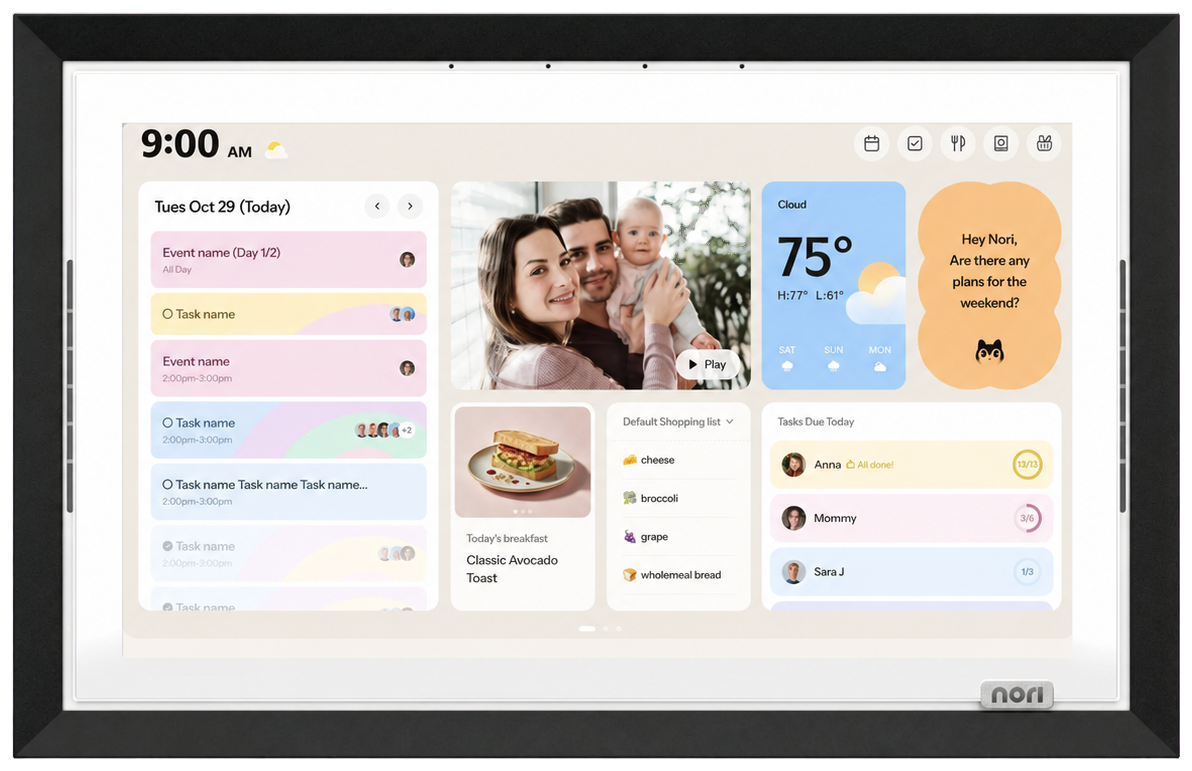
NORI FAMILY HUB
Everything your family needs—on one shared screen.
A connected alternative to the Maple family hub for calendars, tasks, meals, and shared family updates.
QUESTIONS ABOUT MOVING
Before you move.
Clear answers for the decisions your family needs to make before Maple closes.
What is the best alternative to Maple?+
The best choice depends on how your household plans together. Nori is designed for families replacing the Maple app with shared calendars, tasks, meals, routines, and lists. It keeps everyday coordination in one workspace while adding voice input, two-way calendar sync, family memory, and an optional connected display.
What apps are like Maple?+
Family organization apps often combine calendars, chores, meal planning, and shared lists. Nori covers those familiar use cases, then adds voice-first capture, two-way calendar sync, family memory, and a Family Hub. Families can use Nori across mobile and web without rebuilding every routine in separate tools.
Can Nori replace the Maple AI assistant?+
Nori can handle many of the same family coordination jobs while making capture faster. Ask Nori to turn spoken requests, photos, files, or emails into calendar events, tasks, lists, and meal ideas. Your family can then review and manage the results together across its shared workspace.
Can I move my Maple calendar and Maple family planner to Nori?+
Calendars that already live in Google, Apple, or Outlook can be reconnected to Nori. If your Maple family calendar used one of those services, connect it and choose which calendars your household can see. Items stored only inside the Maple calendar app may need to be exported or added again.
Is Nori a Maple family management or household app alternative?+
Yes. Nori brings family schedules, tasks, chores, meals, recipes, shopping lists, and routines into one shared workspace. For families replacing a Maple household app, it provides mobile and web access plus voice input, two-way calendar sync, family memory, and an optional shared Family Hub.
Does Nori cover Maple parenting, meal planning, and Family Hub use cases?+
Nori helps parents coordinate chores, routines, rewards, weekly meals, recipes, and shopping lists. It also offers a connected Family Hub for a shared household view. Families moving from a Maple family calendar can keep everyday responsibilities visible while using Nori across mobile, web, and the wall display.
Keep your family’s plans moving forward.
Reconnect the calendar first. Bring the rest of family life together next.